
Turn Your Old Blur Photo into a 4K Image
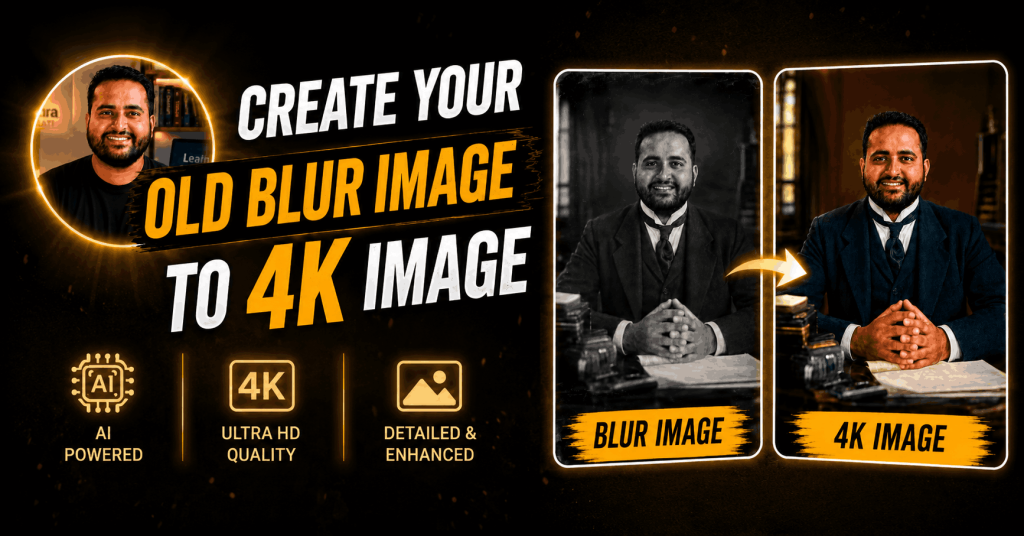
Prompt
Enhance the image to ultra-high1
definition with maximum clarity
and realistic detail. Remove blur,
noise, grain, color fading, and
compression artifacts while
preserving the subject’s exact
identity, proportions, and
natural appearance. Restore
sharp focus with refined
micro-details in skin, hair
strands, fabric texture, and
background surfaces. Maintain
authentic skin texture with
natural pores and tonal
variation, avoiding
over-smoothing, artificial
sharpening halos, or plastic
effects. Correct color balance
to restore natural skin tones
and accurate hues while
preserving the original mood.
Improve exposure, dynamic
range, and contrast subtly to
add depth and realism without
altering the lighting direction.
Retain the original framing,
composition, camera angle,
posture, facial expression,
background elements, and
overall atmosphere. Hard rule:
Do not modify facial structure, facial features, expression, hairstyle, body shape, pose, clothing, age, or identity in any way. The face must remain exactly the same as the original image, only clearer, sharper, and more detailed.