
Changing the Background in Video
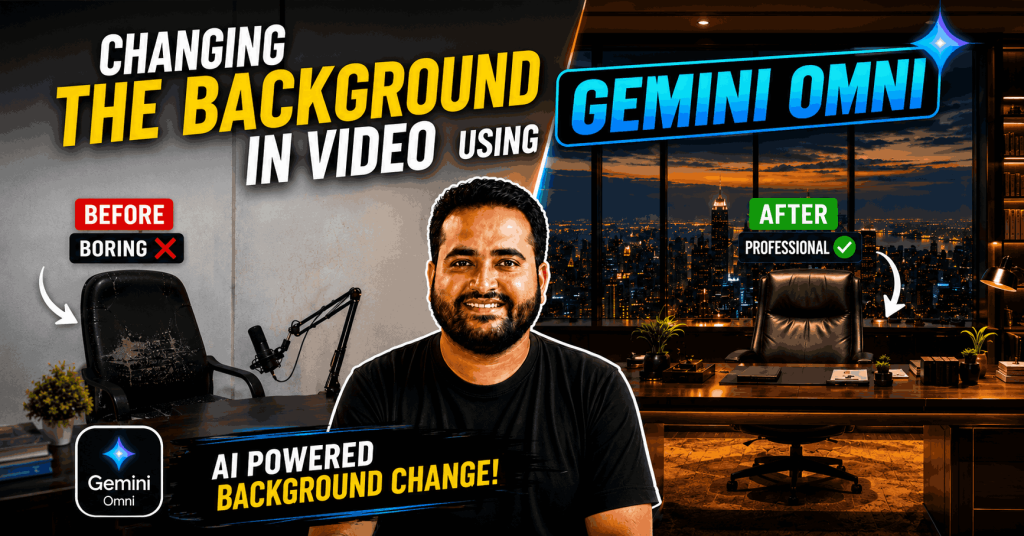
Prompt for Background Image:-
Ultra realistic executive CEO office, floor-to-ceiling glass windows overlooking a futuristic city skyline at sunset, premium wooden desk, luxury leather chair, modern architecture, warm golden lighting, high-end corporate atmosphere, elegant interior design, cinematic depth of field, realistic reflections, business success environment, luxury workspace, photorealistic textures, dramatic lighting, modern skyscrapers visible outside, ultra detailed, 8K, Hollywood style, no people
Prompt for changing the background in video:-
Use the uploaded video as the primary source and the uploaded podcast studio image as the exact target environment.
The person from the source video must be naturally placed sitting on the chair shown in the uploaded podcast studio image.
CRITICAL IDENTITY PRESERVATION:
Maintain 100% facial identity from the original video.
Do not modify the face in any way.
Keep the exact face shape, jawline, eyes, eyebrows, nose, lips, beard, beard density, beard pattern, hairstyle, hairline, skin tone, skin texture, facial proportions, facial expressions, and overall appearance exactly the same as the source video.
The face must remain completely unchanged in every frame.
Preserve all original speech, lip movements, eye movements, head movements, body movements, hand gestures, expressions, timing, and personality from the source video.
The person should appear naturally seated on the chair behind the desk in the uploaded studio image while continuing to speak exactly as in the original video.
Match the studio lighting to the person’s face and body.
Create realistic shadows, reflections, depth, perspective, and environmental lighting.
The person must look genuinely present inside the studio, not pasted or composited.
The desk should remain in front of the person.
The chair should align naturally with the person’s body position.
Maintain correct body proportions and realistic sitting posture.
Do not change clothing.
Do not change body shape.
Do not change age.
Do not change skin tone.
Do not beautify the face.
Do not stylize the face.
Do not regenerate the face.
Do not replace the face.
Do not enhance facial features.
Do not alter facial structure under any circumstances.
The final result must look like a real professional podcast recording filmed inside this exact studio.
Ultra realistic, seamless integration, professional podcast production, cinematic lighting, realistic shadows, realistic depth, natural composition, high detail, smooth motion, photorealistic, 4K quality.
ABSOLUTE RULE:
Face consistency and identity preservation are the highest priority.
If any conflict occurs between scene generation and identity preservation, always preserve the original face exactly as it appears in the source video.
Face lock enabled. Identity strength 100%. Zero facial modification. Zero facial regeneration. Exact source face in every frame.
Background print
Hhiii