Google AI Studio એ Google નું ફ્રી, web-based platform છે — જ્યાં Gemini AI models સાથે directly experiment, test, અને build કરી શકો. Developer હો કે Beginner, everyone welcome.
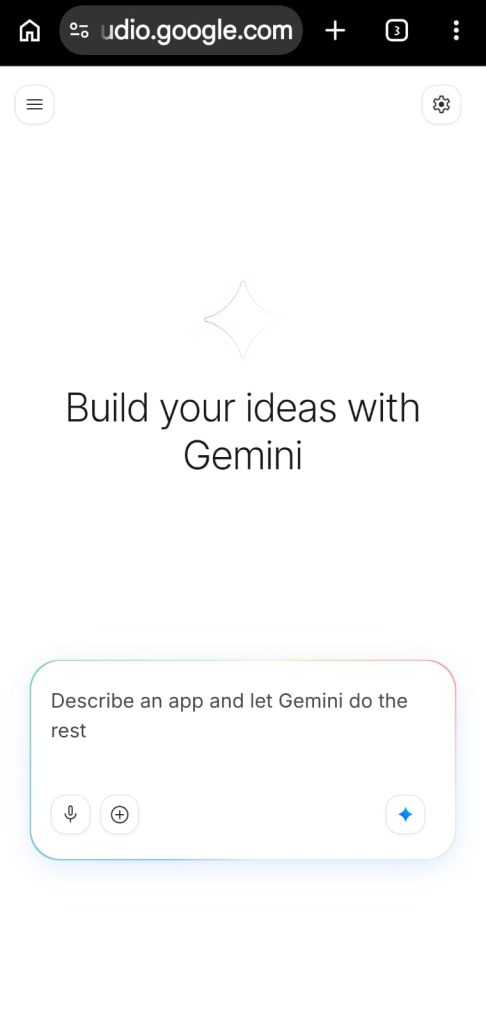
Setup? Simple. Browser open, Google account login, ready!
Key Features:
Gemini Pro, Flash, Ultra — ફ્રી access, unlimited testing
Text, Image, Audio, Video prompts — multimodal support
API key generate — directly app integrate
System instructions, temperature, tokens — full control
Fine-tuning — custom data થી model train
Coder ન હો? ચાલે. Student, Business Owner, Creator, Developer — Google AI Studio everyone ને same helpful.
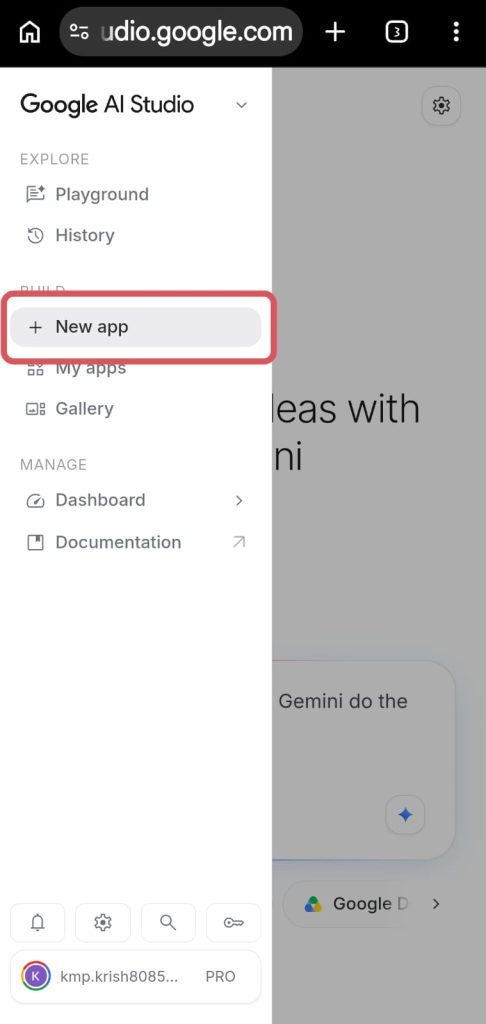
Idea ready? Prototype ત્યાં જ build. Production launch? API key copy, code paste, done!
Visit: aistudio.google.com
₹0 ખર્ચ, unlimited possibilities. AI future build કરવો હોય? ત્યાંથી start — Google AI Studio miss ન કરો! 💡

Good
Thank You!
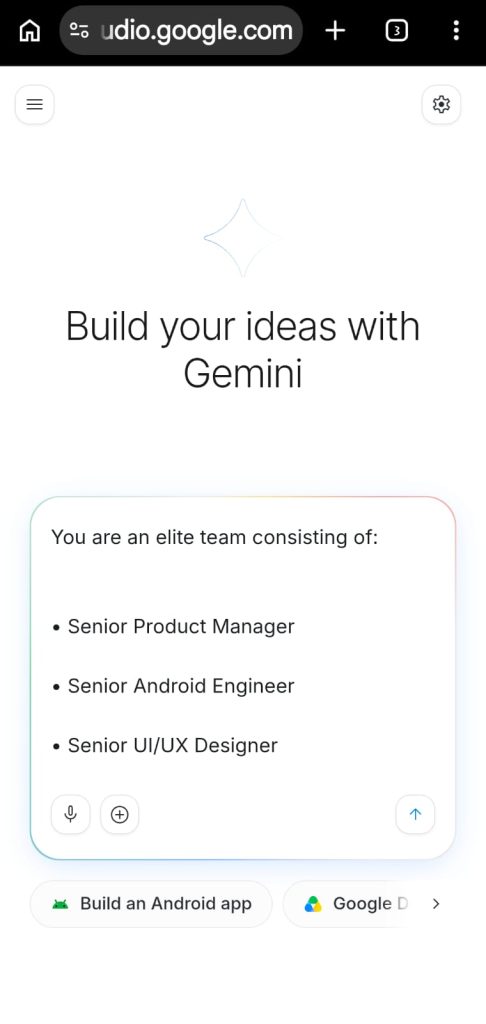
Tally mane nathi favtu roj nu hisab lakhvu thoduk કાઠું pade છે etle daily avak kharch ane badhu husab rakhi saku evu kaik banavish party ne bill pan generate thai jaye gani vakhat materials delivery thai jaye 6e pan bill devanu rahi jaye 6e to aa problem solve thai hase materials delivered karine tarat Invoice api devanu
Good
Thank You